Budget Beats: Building a Home Studio for Downtempo Music Production
Read Time:5 Minute, 34 Second
Dreaming of creating your own atmospheric soundscapes and chill beats but worried about the cost? Building a functional home studio for downtempo music production doesn’t have to break the bank. With smart choices and a clear understanding of your needs, you can set up an inspiring creative space on a budget. This guide will walk you through the essential gear and software to get your downtempo journey started without emptying your wallet.
As an Amazon Associate, we earn from qualifying purchases.
Core Components of a Budget Downtempo Studio
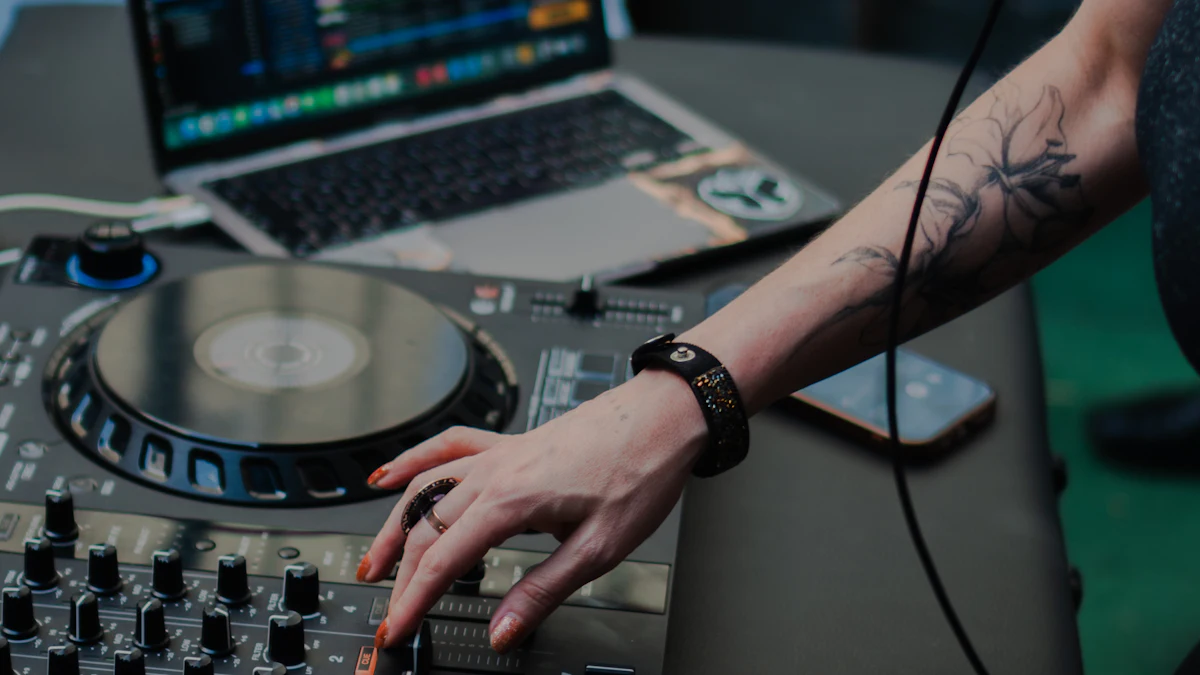
Every music production setup, no matter how humble, relies on a few fundamental pieces of equipment. For downtempo, the focus is often less on microphones and more on digital instruments and effects, making it particularly budget-friendly.
The Brain: Your Computer
You likely already own the most crucial piece of equipment: a computer. Whether it’s a desktop or a laptop, a reasonably modern machine (within the last 5-7 years) with a decent processor (Intel i5/Ryzen 5 or better) and at least 8GB of RAM should suffice. More RAM is always better for music production, especially as your projects grow. SSD storage is a huge plus for speed and responsiveness.
The Software: Digital Audio Workstation (DAW)
Your Digital Audio Workstation (DAW) is the central hub where you’ll compose, record, arrange, mix, and master your music. Many DAWs offer free or affordable entry-level versions that are perfect for beginners. Some popular choices include:
- Ableton Live Lite: Often bundled with hardware, a great intro to a powerful DAW.
- GarageBand (macOS): Free and incredibly capable for Apple users.
- Cakewalk by BandLab (Windows): A professional-grade DAW that’s completely free.
- Reaper: Highly affordable, full-featured, and has a very generous trial period.
While some paid DAWs offer more features, these free and budget-friendly options will provide everything you need to start making quality downtempo tracks.
Hearing It Right: Studio Monitors & Headphones
Accurate monitoring is vital for mixing and mastering. You need to hear your music clearly, without colored frequencies that might mislead your production decisions.
- Studio Monitors: While high-end studio monitors can be expensive, several brands offer excellent entry-level options that provide a relatively flat frequency response for critical listening. Look for smaller, active (self-powered) monitors designed for home studio use.
- Studio Headphones: A good pair of closed-back studio headphones is arguably more important for a budget studio, especially if your room acoustics aren’t ideal. They offer a detailed listening experience and allow you to work late into the night without disturbing others.
Investing in a decent pair of budget studio monitors and headphones will significantly improve the quality of your mixes. Find a wide selection of options for budget studio monitors and studio headphones on Amazon.
Connecting It All: Audio Interface
An audio interface is a crucial piece of hardware that converts analog audio signals into digital data your computer can understand, and vice-versa. It provides high-quality inputs for microphones and instruments, and outputs for your studio monitors. For downtempo production, you might only need one or two inputs for a microphone or a hardware synth. Many interfaces also come with phantom power for condenser microphones and a dedicated headphone output.
Learn more about choosing the right interface in our guide to Best Audio Interfaces for Beginners. You can also explore options for a cheap audio interface on Amazon.
Inputting Sounds: MIDI Controllers & Microphones
- MIDI Controller: A MIDI keyboard or pad controller is incredibly useful for playing virtual instruments, composing melodies, and programming drums. Even a small 25-key MIDI keyboard can unlock a world of creative possibilities within your DAW.
- Microphone: While not strictly essential for purely electronic downtempo, a simple condenser microphone (even a USB mic) can be great for recording vocal samples, foley sounds, or acoustic instruments to add organic textures to your tracks.
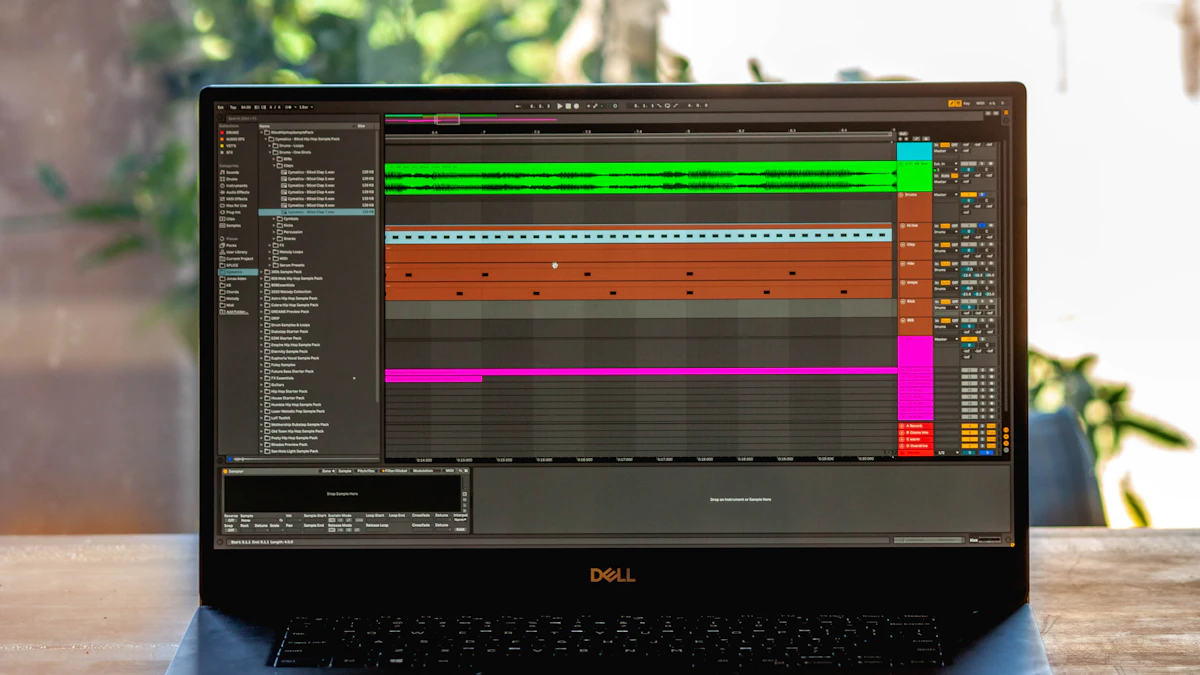
Essential Software for Downtempo Production
Beyond your DAW, a world of virtual instruments and effects (plugins) awaits. Many excellent free plugins can help you achieve professional-sounding results. Look for:
- Synthesizers: Software synths are the backbone of many downtempo tracks. Explore free VSTs like Vital, Surge XT, or popular freeware from companies like Native Instruments (Kontakt Player freebies).
- Effects: Reverb, delay, distortion, EQ, and compression are vital for shaping your sounds. Most DAWs come with a solid suite of built-in effects, and countless high-quality free VST effects are available online.
- Sample Packs: Many websites offer free downtempo-specific sample packs, including drums, loops, and atmospheric textures, perfect for layering into your tracks.
Dive deeper into crafting your unique soundscapes with our guide on Crafting Soundscapes: Essential VST Plugins for Ambient Production.
Setting Up Your Space on a Shoestring Budget
Your room’s acoustics significantly impact how your music sounds. Even with a budget, you can make improvements:
- Placement: Position your desk and monitors symmetrically in the room, away from corners.
- Soft Furnishings: Rugs, curtains, bookshelves, and even padded furniture can help absorb reflections and reduce echo.
- DIY Acoustic Treatment: Thick blankets hung on walls or behind monitors can act as makeshift absorption panels.
Focus on creating a comfortable, inspiring, and clutter-free environment. Good ergonomics (chair height, monitor placement) are key for long production sessions.
Getting Started with Production
Once your basic setup is complete, the real fun begins: making music! Don’t get bogged down by gear lust; focus on learning your chosen DAW and understanding fundamental music theory and production techniques. There are countless free tutorials, videos, and online communities to help you on your journey.
If you’re new to the world of making music, our Beginner’s Guide to Music Production is an excellent place to start.
FAQ
What are the absolute essentials for a budget home studio?
For downtempo music, the absolute essentials are a computer, a Digital Audio Workstation (DAW) software, studio headphones or entry-level studio monitors, and an audio interface. A simple MIDI controller is highly recommended but not strictly essential to get started.
Can I produce quality downtempo music with free software?
Absolutely! Many professional-grade DAWs offer free versions (like Cakewalk by BandLab or GarageBand) or generous trials (Reaper). Coupled with the vast array of high-quality free VST plugins (synthesizers, effects) and free sample packs available online, you can produce excellent, release-ready downtempo music without spending a dime on software.
How can I improve my home studio’s acoustics on a budget?
Start with strategic placement: position your desk symmetrically in the room, avoiding corners. Utilize existing soft furnishings like thick rugs, heavy curtains, and bookshelves to absorb sound. For walls, consider hanging thick blankets or duvets at first reflection points or behind your monitors to reduce unwanted reflections and flutter echo. These simple steps can make a noticeable difference without professional acoustic treatment.


Happy
0 %

Sad
0 %

Excited
0 %

Sleepy
0 %

Angry
0 %

Surprise
0 %
 0
0
 0
0