Understanding DACs: Digital-to-Analog Converters for Better Sound
Read Time:4 Minute, 19 Second
Understanding DACs: The Key to Better Digital Sound
In the world of high-fidelity audio, terms like “streaming quality” and “lossless files” are common. But often overlooked is a crucial component that translates all that digital information into the sound you actually hear: the Digital-to-Analog Converter, or DAC. Whether you’re streaming your favorite tracks or listening to high-resolution audio files, a DAC is working tirelessly behind the scenes. But what exactly is a DAC, and why is it so important for truly appreciating your digital music collection?
What is a DAC and How Does it Work?
At its core, a DAC performs a simple yet essential function: it converts digital audio signals into analog electrical signals. All the music on your computer, smartphone, or streaming service exists as digital data—a series of ones and zeros. Your headphones and speakers, however, require an analog electrical waveform to produce sound. The DAC acts as the translator, taking that digital information and turning it into a smooth, continuous analog signal that your audio system can then amplify and play.
Every device that plays digital audio, from your smartphone to your laptop and even your car stereo, has a built-in DAC. Without it, you wouldn’t hear anything. The quality of this conversion process directly impacts the sound quality you experience.
Why an External DAC Matters for Sound Quality
While every device has a built-in DAC, these internal components are often compromised. Manufacturers prioritize cost, space, and power efficiency, which can lead to less-than-optimal sound. Internal DACs are also susceptible to electrical interference from other components within the device, leading to noise, distortion, and a general lack of clarity in the audio signal.
An external DAC, on the other hand, is a dedicated device designed solely for this crucial conversion. By moving the DAC outside your computer or phone, you bypass the noisy electrical environment and provide a purer, more accurate signal. This leads to several significant improvements in your listening experience:
- Increased Clarity and Detail: A high-quality DAC can retrieve more nuanced information from your digital files, revealing details in the music you might have missed before.
- Wider Dynamic Range: You’ll experience a greater contrast between the quietest and loudest parts of a track, making the music sound more alive and expressive.
- Reduced Noise and Distortion: With better isolation from electrical interference, an external DAC provides a cleaner signal, resulting in a blacker background and a more pristine sound.
- Improved Soundstage and Imaging: Music often sounds more expansive, with instruments and vocals placed precisely within a three-dimensional soundscape.
Essentially, an external DAC allows your headphones and speakers to perform at their best, unlocking the full potential of your digital audio. If you’re wondering how to improve your streaming audio quality, a DAC is often one of the most impactful upgrades.
Do You Need an External DAC or Is Your Built-in One Sufficient?
The question of whether you need an external DAC depends largely on your current setup and your personal listening preferences. For casual listening on earbuds or basic computer speakers, your device’s built-in DAC might be perfectly “sufficient.” However, if you use high-quality headphones or a dedicated speaker system, and you care about high-fidelity audio, an external DAC can make a profound difference.
Consider an upgrade if:
- You notice your music sounds flat, harsh, or lacks detail.
- You hear background hiss or hum, especially with sensitive headphones.
- You’ve invested in good headphones or speakers and want to ensure they’re receiving the best possible signal.
- You listen to high-resolution audio files (e.g., FLAC, DSD) and want to fully experience their benefits.
For audiophiles and anyone serious about sound quality, an external DAC is often considered an indispensable part of their audio chain, significantly enhancing the overall enjoyment of digital music.
How to Integrate a DAC into Your Setup
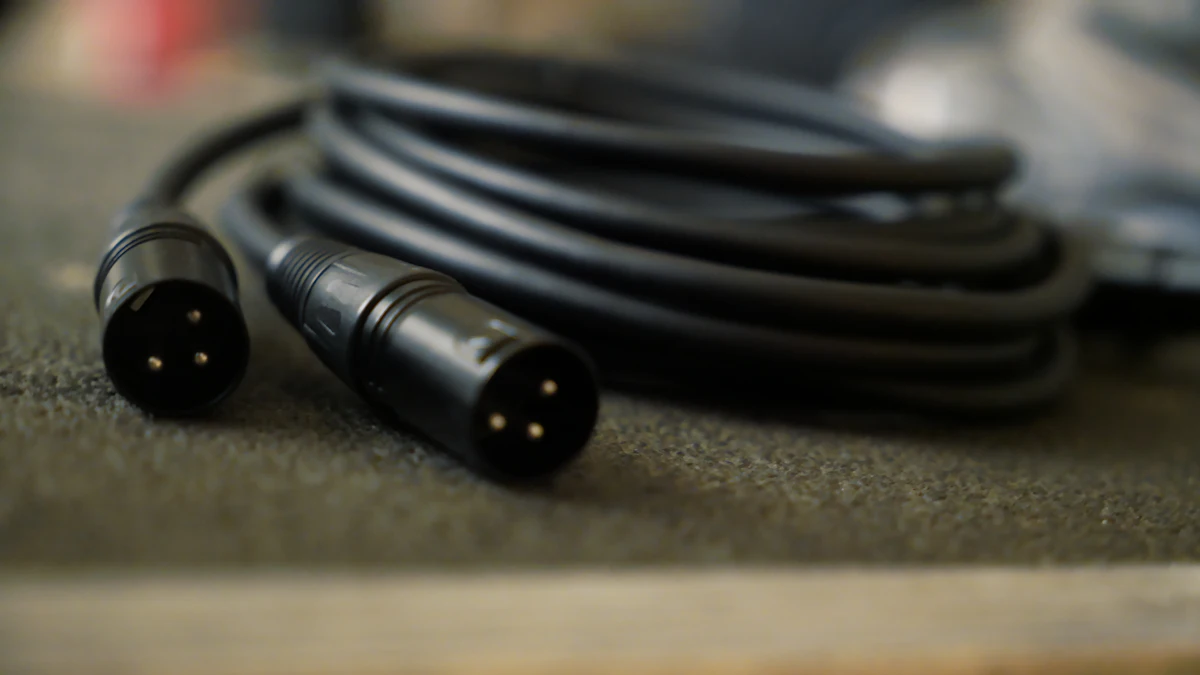
Connecting an external DAC is usually straightforward. Most DACs connect to your digital source (computer, streamer, game console) via a USB cable, optical cable, or coaxial cable. The DAC then outputs an analog signal, typically via RCA or XLR outputs, to an amplifier or directly to powered speakers. Many DACs also feature a dedicated headphone output, allowing you to plug your headphones directly into the DAC.
Ensuring your entire audio chain is optimized, including upgrading your audio cables, will help maximize the benefits of a good DAC. For more on connecting audio components, you might also find our guide on connecting your audio interface to monitors helpful, as many principles apply.
Elevating Your Digital Audio Experience
Understanding what a DAC does and its role in your audio system is the first step towards unlocking a richer, more engaging listening experience. While your phone or computer might play music, a dedicated DAC allows your digital files to truly shine, bringing clarity, depth, and dynamics that can transform your perception of familiar tracks. If you’re looking to elevate your digital audio quality, exploring an external DAC is a highly recommended upgrade for any serious listener.
As an Amazon Associate, I earn from qualifying purchases. If you’re curious to see what’s available, you can browse digital to analog converters on Amazon.


Happy
0 %

Sad
0 %

Excited
0 %

Sleepy
0 %

Angry
0 %

Surprise
0 %
 0
0
 0
0