 0
0
 0
0
Upgrading Your Desktop Speakers: A Guide for Enhanced Sound
Tired of flat, lifeless audio coming from your computer? You’re not alone. Many desktop setups come with basic speakers that simply don’t do justice to your music, movies, or even video calls. If you’re ready for a noticeable improvement in your daily listening experience, upgrading your desktop speakers is one of the most impactful changes you can make. This guide will help you navigate the options and choose the best desktop speakers to transform your sound. You can also Shop Home Audio Speakers to find the perfect match for your setup.
Affiliate Disclosure: This post contains affiliate links. When you make a purchase through these links, we may earn a small commission at no extra cost to you.
Why Upgrade Your Desktop Speakers?
The difference between standard computer speakers and a quality audio setup is like night and day. Better speakers offer:
- Rich, Detailed Music: Hear instruments and vocals with clarity and depth you’ve never experienced before.
- Immersive Movies & Gaming: Enjoy cinematic soundscapes and impactful in-game audio that draws you deeper into the experience.
- Clearer Communication: Whether it’s remote work meetings or catching up with friends, improved audio quality enhances voice clarity.
- Overall Enjoyment: Elevate your entire desktop experience, making every interaction more pleasant and engaging.

Understanding Your Options: Types of Desktop Speakers
When you start looking for new computer speakers, you’ll encounter a few main categories.
Powered (Active) Speakers vs. Passive Speakers
Most desktop users opt for powered speakers (also known as active speakers). These speakers have their amplifiers built right into one of the speaker cabinets. This means you just plug them into power and connect them directly to your computer’s audio output. Passive speakers, on the other hand, require an external amplifier or receiver to function. For simplicity and space-saving on a desktop, active speakers are usually the preferred choice.
Bookshelf Speakers vs. Computer Speakers
While often used interchangeably, “computer speakers” generally refer to smaller, more compact systems designed specifically for desktop use, sometimes with a subwoofer included. Bookshelf speakers are a broader category of speakers that are designed to sit on a shelf or stand. Many compact bookshelf speakers make excellent desktop companions, offering superior sound quality due to larger drivers and more robust construction.
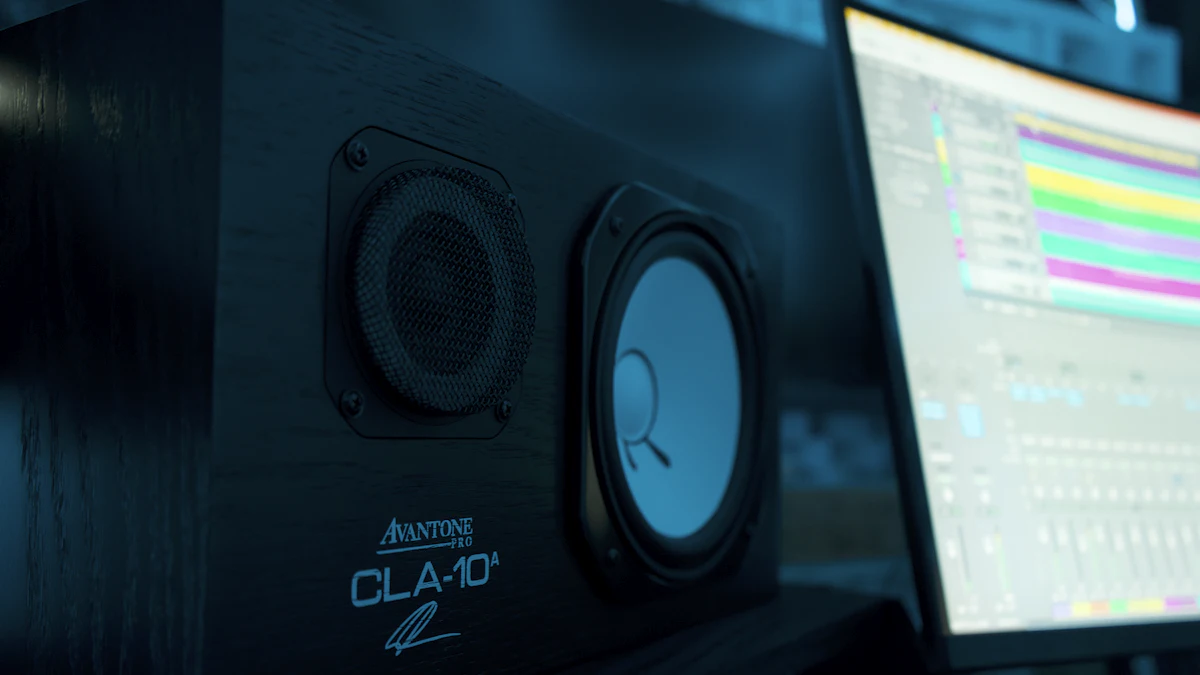
Nearfield Monitors
For those interested in music production, audio editing, or simply seeking the most accurate sound reproduction possible, nearfield monitors are a fantastic option. These are a type of active speaker designed to be listened to at a close distance (in the “nearfield”), providing a very flat, uncolored frequency response critical for mixing and mastering. You can Shop Studio Monitors to find the right ones for your home studio.
Key Factors to Consider When Choosing
When looking for the best desktop speakers, keep these points in mind:
Sound Quality and Clarity
This is paramount. Look for speakers that offer a balanced sound profile, clear highs, articulate mids, and solid, defined bass. Reading reviews and, if possible, listening to speakers yourself can help you assess their sonic characteristics.
Connectivity Options
How will you connect them to your computer? Common connections include 3.5mm AUX, RCA, USB, Optical, and Bluetooth. Consider your computer’s outputs and any other devices you might want to connect, like a phone or turntable.
Size and Placement
Your desk space is a crucial factor. Measure your available area to ensure the speakers will fit comfortably without obstructing your monitor or keyboard. If you’re considering larger bookshelf speakers, ensure you have stable stands or sufficient desk clearance. For tips on setting them up, check out our Home Studio Monitor Placement Guide.
Budget
Desktop speakers range widely in price. Determine how much you’re willing to invest. Even a modest upgrade can yield significant improvements, and the law of diminishing returns often applies to high-end audio.
Features and Ergonomics
Look for convenient features like a front-mounted headphone jack, a remote control, bass and treble adjustment knobs, or multiple inputs for connecting different devices.
Setting Up Your New Speakers for Optimal Sound
Once you’ve chosen your speakers, proper setup is key to unlocking their full potential.
Placement is Key
Position your speakers to form an equilateral triangle with your listening position. Aim the tweeters at ear level and angle the speakers slightly inward towards you (toe-in). This creates a solid stereo image and a clear soundstage. Again, our Home Studio Monitor Placement Guide offers in-depth advice.
Cabling and Connections
Use good quality cables and ensure all connections are secure. For analog connections, shorter cables are generally better to minimize interference.
Software and Driver Updates
Ensure your computer’s audio drivers are up to date, and check your operating system’s sound settings to confirm the correct output device is selected.
Beyond the Basics: Enhancing Your Setup Further
DACs and Amplifiers
For truly audiophile-level sound, you might consider an external Digital-to-Analog Converter (DAC) to bypass your computer’s internal sound card. You can Shop Headphone DACs to enhance your audio fidelity. If you opt for passive speakers, a dedicated amplifier is essential.
Subwoofers
If your chosen speakers lack deep bass, adding a dedicated subwoofer can provide that low-end rumble for movies and bass-heavy music.
Ready to explore some options? You can find a wide range of products including desktop stereo speakers, computer audio systems, active bookshelf speakers, and gaming speakers on Amazon.
Frequently Asked Questions
What should I look for when upgrading desktop speakers?
When upgrading, prioritize sound quality, clarity, and balanced audio. Consider the available connectivity options (USB, 3.5mm, Bluetooth), the physical size to fit your desk, your budget, and any convenient features like a headphone jack or remote control.
Are powered desktop speakers better than passive ones?
For most desktop users, powered speakers (active speakers) are often “better” in terms of convenience and simplicity. They have built-in amplifiers, meaning you don’t need additional equipment. Passive speakers can offer more flexibility for audiophiles who want to choose separate amplifiers, but they add complexity and require more space.
Can desktop speakers also be used for music production?
Yes, many high-quality desktop speakers, especially those categorized as nearfield monitors, are designed specifically for music production and audio editing. They offer a flat frequency response crucial for accurate mixing. Even some good quality active speakers or bookshelf speakers can serve as an excellent starting point for aspiring producers.
Conclusion
Upgrading your desktop speakers is a rewarding investment that enhances virtually every aspect of your computer use. By understanding the types of speakers available and considering your specific needs, you can easily find a system that delivers rich, immersive sound. So, take the leap, improve your audio, and rediscover your favorite content with clarity and depth. If you’re also looking for portable sound, you might enjoy our guide to the Best Bluetooth Speakers for Ambient Music.


