Ergonomics of Headphones: Comfort for Extended Listening Sessions
Read Time:5 Minute, 33 Second
Ergonomics of Headphones: Comfort for Extended Listening Sessions
For many, headphones are an indispensable tool, whether for work, gaming, enjoying music, or simply finding focus. But if you’ve ever experienced discomfort, ear fatigue, or even pain during long listening sessions, you know that ergonomics play a crucial role. This guide dives into the world of headphone comfort, helping you understand what makes a pair comfortable and how to ensure your listening experience is as pleasant as possible, no matter how long it lasts.
Note: As an Amazon Associate, I earn from qualifying purchases.
Why Headphone Comfort is Crucial
Extended headphone use can lead to several issues if the fit isn’t right. These can range from mild annoyance to significant discomfort that detracts from your audio experience. Common problems include pressure points on the skull, sweating around the ears, aching earlobes, and a general feeling of tightness. Prioritizing comfort isn’t just about luxury; it’s about safeguarding your well-being and enhancing your ability to concentrate or relax without distraction.
Key Design Elements for Headphone Comfort
Several factors in headphone design contribute significantly to how comfortable they feel over time. Understanding these elements can help you make informed choices.
Headband Design and Clamping Force
The headband is the primary point of contact with the top of your head. A well-designed headband should distribute weight evenly without creating undue pressure. Look for ample padding, often made of foam or gel, and a flexible structure that allows for a moderate, adjustable clamping force. Too much clamping force can lead to headaches and ear pressure, while too little might cause the headphones to slip.
Earcup Size, Shape, and Articulation
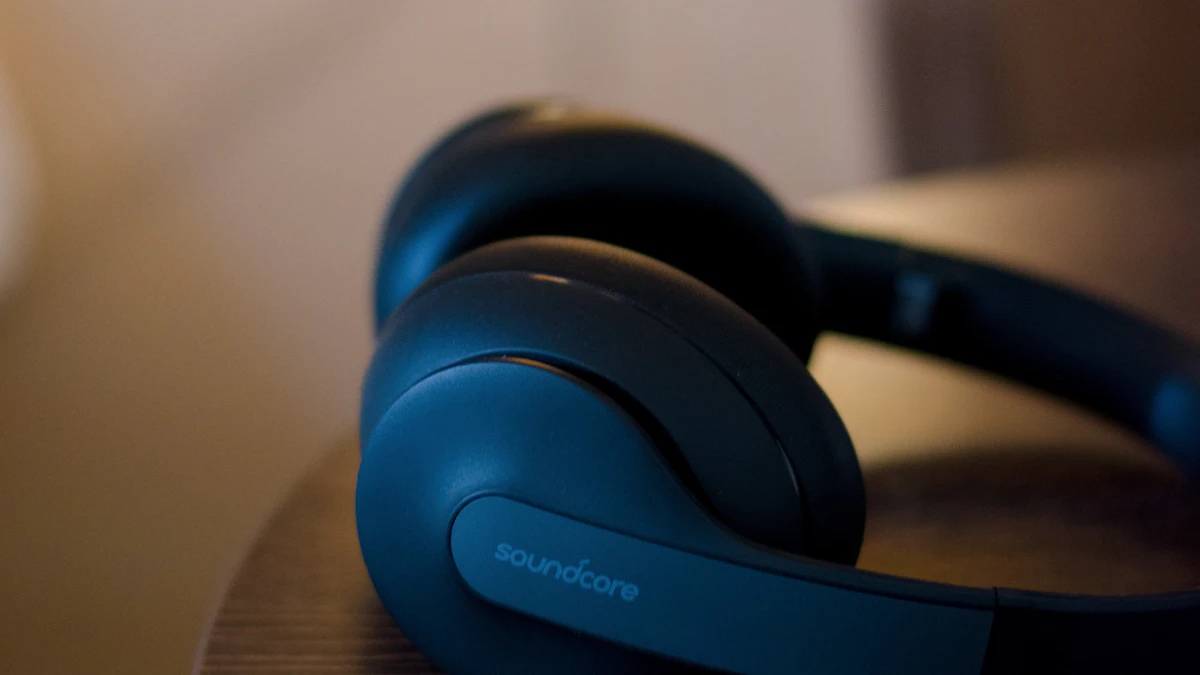
Earcups are pivotal for comfort, especially for over-ear (circumaural) headphones. They should fully encompass your ears without pressing against them. The internal dimensions need to be large enough for your ears to sit comfortably within. Features like swiveling earcups and those that can tilt ensure they conform to the unique shape of your head and jawline, creating a better seal and reducing pressure points.
Earpad Materials and Construction
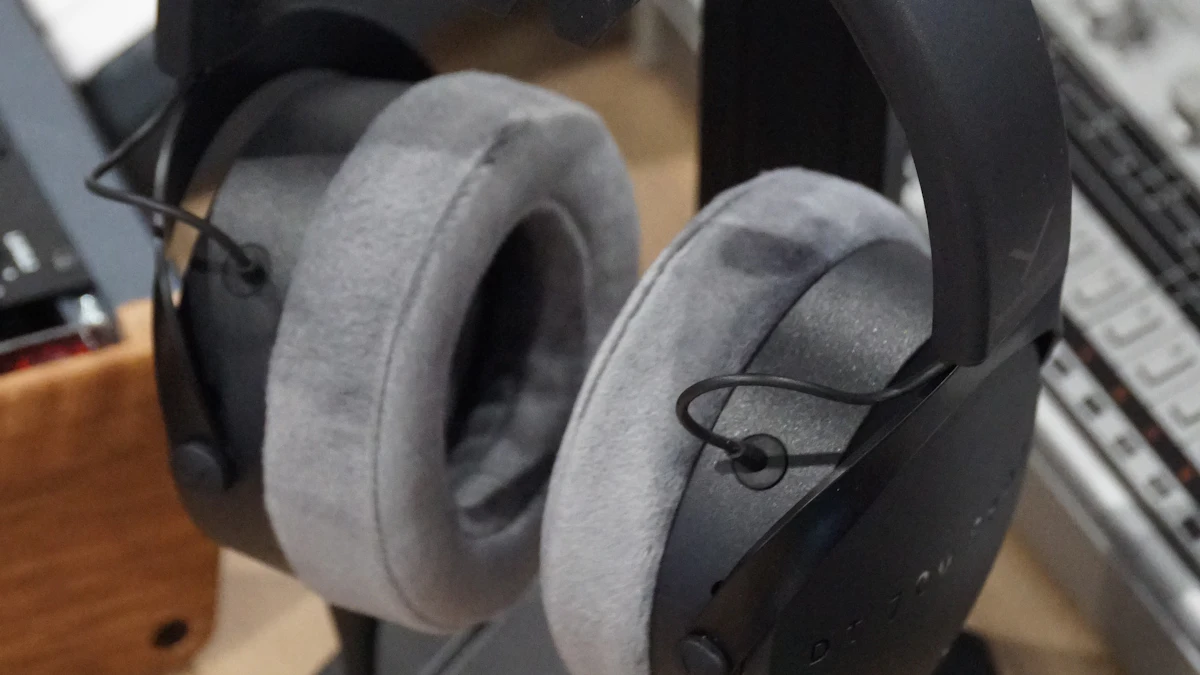
The material of the earpads directly impacts skin contact, breathability, and overall feel. Common materials include:
- Velour: Often considered highly breathable and soft, reducing sweat buildup.
- Leatherette (Protein Leather): Offers a good seal for sound isolation but can sometimes lead to more heat retention.
- Real Leather: Similar to leatherette but often softer and more durable, though usually found on premium models.
- Memory Foam: Commonly used as the core material, it conforms to the shape of your head, distributing pressure more evenly.
The depth and density of the earpads also matter, preventing your ears from touching the internal drivers.
Overall Weight Distribution
Lighter headphones generally reduce strain on your head and neck over long periods. However, even a slightly heavier pair can feel comfortable if its weight is excellently distributed across the headband and earcups. It’s not just about the absolute weight but how that weight is managed.
Optimizing Your Headphone Fit for Maximum Comfort
Even with ergonomically designed headphones, proper adjustment is key to long-term comfort.
Adjusting the Headband
Extend the headband fully, place the headphones on your head, and then gradually shorten the headband slides until the earcups rest comfortably over your ears, creating a good seal without excessive pressure. The goal is to distribute the weight between the top of your head and the sides of your head via the earcups.
Positioning Earcups Correctly
Ensure each earcup fully surrounds your ear. If your headphones swivel or tilt, gently adjust them until they sit flush against your head, minimizing gaps and maximizing the contact area of the earpads. This helps in both comfort and sound quality.
Understanding Clamping Force
The ideal clamping force holds the headphones securely without feeling like a vice grip. If your headphones feel too tight, some users carefully stretch the headband over a stack of books for a short period to slightly loosen the tension. However, be cautious not to overdo this, as it can damage the headphones or compromise their fit and seal.
Considering Earpad Replacements
Many headphones allow for earpad replacement. If your current earpads are worn out or simply uncomfortable, exploring aftermarket options made from different materials or with varying thicknesses can significantly improve comfort. Search for comfortable headphones and ergonomic accessories on Amazon.
Practical Tips for Extended Listening Sessions
- Take Regular Breaks: Step away from your headphones every hour or so. Give your ears and head a rest, even if just for a few minutes.
- Rotate Headphones (if possible): If you have multiple pairs, rotating them can prevent specific pressure points from becoming chronically sore.
- Understand Your Headphone Type: Consider whether open-back or closed-back headphones are better suited for your environment and comfort needs. Open-back designs can sometimes feel less oppressive due to better airflow.
- Monitor Sound Levels: High volumes contribute to ear fatigue, regardless of physical comfort. Maintain safe listening levels. You can learn more about this by understanding headphone specifications.
Frequently Asked Questions About Headphone Comfort
Why is headphone comfort important?
Headphone comfort is crucial for extended listening sessions because discomfort can lead to physical pain, headaches, ear fatigue, reduced concentration, and an overall diminished audio experience. It impacts both your physical well-being and your ability to enjoy or focus on audio content.
What design features contribute to headphone comfort?
Key design features include a well-padded and adjustable headband that distributes weight evenly, earcups that fully encompass the ears without pressing on them, earpads made from soft, breathable materials (like velour or memory foam) with adequate depth, and an overall lightweight design with balanced weight distribution.
How can I make my existing headphones more comfortable?
To make existing headphones more comfortable, ensure the headband is correctly adjusted to balance weight. Position the earcups so they fully cover your ears without pinching. Consider replacing worn or uncomfortable earpads with aftermarket options made from different materials or with more padding. Taking regular breaks during long sessions also helps.
What materials are best for headphone earpads?
The “best” material often depends on personal preference, but velour is frequently praised for its breathability and softness, reducing sweat buildup. Memory foam is excellent for conforming to the head’s shape and distributing pressure. Leatherette (protein leather) offers good sound isolation but can be less breathable for some. Real leather is durable and soft but typically found on premium models.
Conclusion
Investing in ergonomically designed headphones, and then taking the time to adjust them properly, can transform your listening experience. By understanding the design elements that contribute to comfort and following practical tips for extended use, you can enjoy your audio content for hours on end without discomfort. Prioritize comfort to truly immerse yourself in your music, podcasts, or work without distraction.


Happy
0 %

Sad
0 %

Excited
0 %

Sleepy
0 %

Angry
0 %

Surprise
0 %
 0
0
 0
0