
 0
0
 0
0
Elevate Your Live Downtempo Sets with MIDI Controllers
Downtempo music thrives on atmosphere, texture, and often, improvisation. For producers looking to take their studio creations to the stage, or simply enhance their live jamming sessions, MIDI controllers are indispensable tools. These versatile devices bridge the gap between your creative ideas and the digital sounds of your DAW or hardware, offering tactile control that can transform a static performance into a dynamic, engaging experience.
As an Amazon Associate, we earn from qualifying purchases made through links on this page.
Whether you’re crafting hypnotic soundscapes, intricate drum patterns, or evolving melodic lines, integrating MIDI controllers into your setup can unlock new levels of expressiveness and spontaneity. This guide will help you understand the power of MIDI controllers for live downtempo performance, from setup basics to choosing the right gear.
What Are MIDI Controllers and How Do They Benefit Live Performance?
MIDI controllers are physical devices that send Musical Instrument Digital Interface (MIDI) messages to other instruments, software, or hardware. Unlike traditional audio signals, MIDI data doesn’t carry sound itself; instead, it transmits information about notes played, their velocity, pitch bend, modulation, and various other control changes. Think of it as a set of instructions that tells a synthesizer, sampler, or drum machine what to do.
For live performance, MIDI controllers offer several key benefits:
- Tactile Control: Knobs, faders, pads, and keys provide a physical interface for manipulating sounds and effects in real-time, allowing for more intuitive and expressive control than a mouse and keyboard.
- Improvisation: The ability to trigger samples, play melodies, and adjust parameters on the fly encourages improvisation, making each live set unique and exciting.
- Dynamic Sound Manipulation: Instantly change filter cutoffs, reverb tails, delay times, and other effect parameters to create evolving soundscapes that captivate your audience.
- Seamless Integration: Modern DAWs like Ableton Live are built for live performance and integrate seamlessly with a wide range of MIDI controllers, making setup straightforward.
- Portability: Many controllers are compact and lightweight, perfect for musicians on the go.
To dive deeper into the fundamentals, check out our guide on understanding MIDI for music production.
Integrating MIDI Controllers into Your Downtempo Live Setup
Setting up your MIDI controllers for a live downtempo performance involves a few key steps:
Your Core Setup
At the heart of most live electronic music setups is a computer running a Digital Audio Workstation (DAW) like Ableton Live, Logic Pro, or FL Studio. This is where your sounds, instruments, and effects reside. Your MIDI controllers will send data to your DAW, which then interprets these messages to play sounds.
An audio interface is crucial for getting high-quality sound in and out of your computer. While not a MIDI controller itself, it’s a vital component for any live setup.
MIDI Mapping
MIDI mapping is the process of assigning physical controls (knobs, faders, pads) on your MIDI controller to specific parameters within your DAW or software instruments. This is where the magic happens, allowing you to customize your workflow and create an intuitive performance interface.
- Identify Key Parameters: Think about what you want to control live. Filter cutoffs, resonance, delay feedback, reverb sends, track volumes, sample triggering, and scene launching are common choices for downtempo.
- Use Your DAW’s Mapping Features: Most DAWs have a dedicated MIDI mapping mode. In Ableton Live, for example, you can enter MIDI mapping mode and click on a parameter in your session, then move a knob or fader on your controller to assign it.
- Create Performance Sets: Organize your tracks and sounds into “sets” or “scenes” within your DAW that are optimized for live performance. This might involve grouping instruments, pre-loading samples, and setting up send/return effects.
Synchronization and Routing
Ensure all your devices are synchronized. Your DAW will typically be the master clock, sending tempo information to any external hardware synthesizers or drum machines you might be using. Proper MIDI routing ensures that the right controller talks to the right instrument or effect.
Popular MIDI Controllers for Live Electronic Music
The market is flooded with MIDI controllers, each designed for different purposes. For downtempo, you’ll likely benefit from a combination of controller types:
Keyboard Controllers
These are essential for playing melodies, chords, and basslines. Many come with additional knobs, faders, and pads, making them multi-purpose. Look for models with a good keybed feel and plenty of assignable controls.
Pad Controllers
Ideal for finger drumming, triggering samples, launching clips, and sequencing. Pad controllers like the Akai MPD series or Native Instruments Maschine are staples in live electronic music setups. They offer a highly expressive way to interact with drum racks and sample libraries.
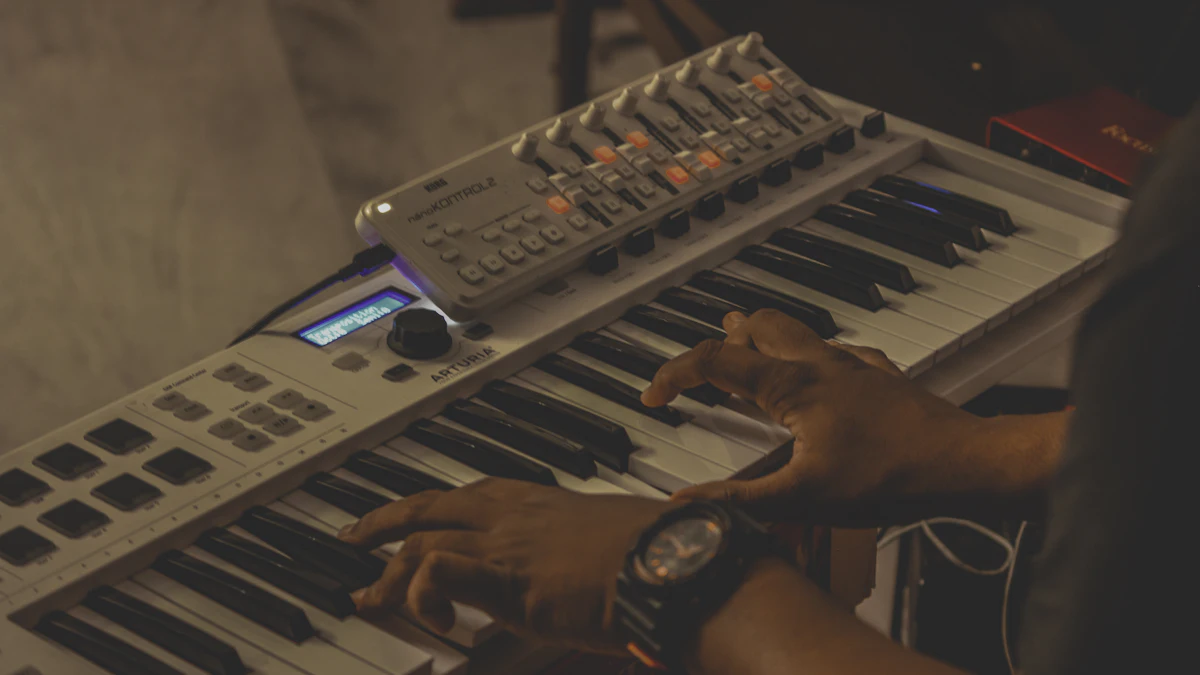
Fader and Knob Controllers
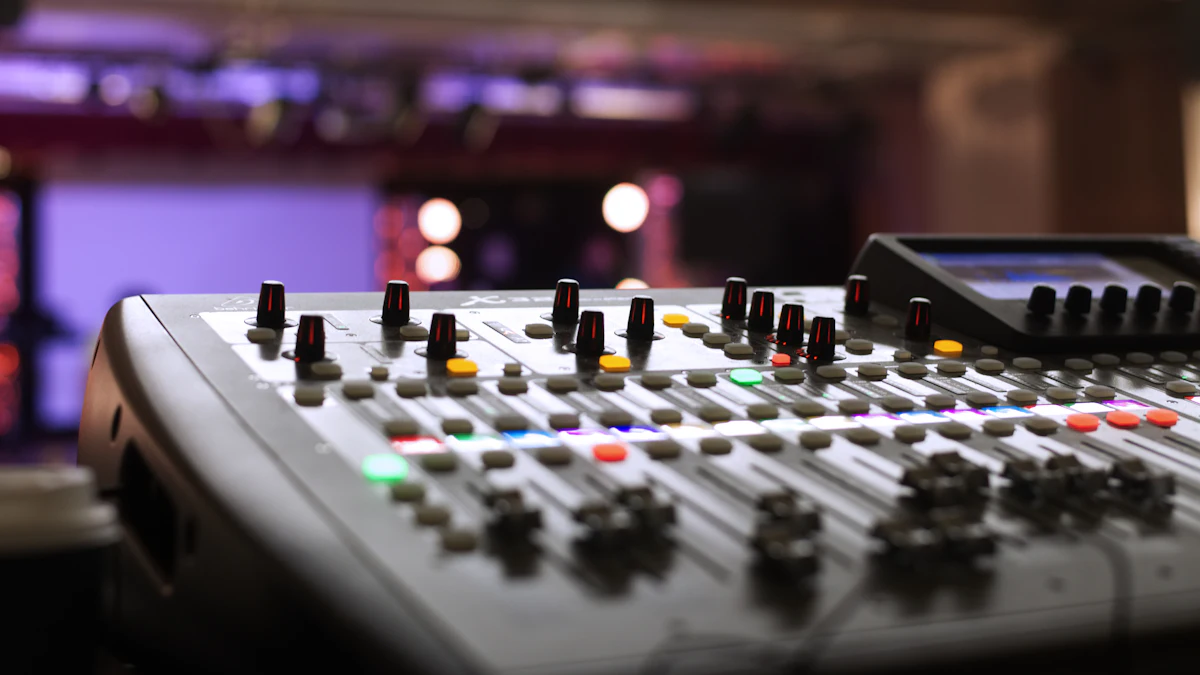
Dedicated controllers like the Behringer X-Touch Mini or Novation Launchcontrol XL provide an array of faders and rotary encoders, perfect for mixing, adjusting effect parameters, and creating dynamic automation on the fly. These are invaluable for nuanced sound sculpting.
Specialized Performance Controllers
Some controllers are designed specifically for live performance with certain DAWs. The Ableton Push, for instance, offers deep integration with Ableton Live, providing a comprehensive interface for clip launching, sequencing, instrument playing, and mixing. While these might not be suitable for beginners, they offer incredible capabilities for experienced producers.
You can explore a wide range of physical MIDI controllers suitable for live performance on Amazon: Shop MIDI Controllers on Amazon.
When starting, it’s often best to begin with one versatile controller and gradually expand your setup as you discover your specific performance needs. For those just getting into the broader world of electronic music production, you might find our guide on getting started with downtempo music production helpful.
Final Thoughts on Enhancing Your Live Downtempo Performance
MIDI controllers are more than just gadgets; they are extensions of your creativity. By embracing them, you gain the ability to infuse your live downtempo performances with a level of spontaneity and dynamism that truly resonates with an audience. Experiment with different mappings, practice your routines, and let your controllers unlock new dimensions in your music.
Ready to explore other aspects of live electronic music? You might be interested in choosing your first DJ controller for home use, which can also share some overlap in understanding physical controllers.
Frequently Asked Questions About MIDI Controllers for Live Performance
Question: What are MIDI controllers and how do they benefit live performance?
MIDI controllers are hardware devices that send digital messages (MIDI data) to software or other hardware instruments, instructing them what to play or how to modify sounds. They benefit live performance by providing tactile control over digital music, enabling real-time improvisation, dynamic sound manipulation, and seamless integration with Digital Audio Workstations (DAWs), making performances more expressive and engaging.
Question: How can I integrate MIDI controllers into my downtempo live setup?
To integrate MIDI controllers, you’ll typically connect them to a computer running a DAW (like Ableton Live) via USB or MIDI cables. The key step is MIDI mapping, where you assign controls (knobs, faders, pads) on your controller to specific parameters within your DAW, such as filter cutoffs, effect sends, or sample triggers. Ensuring proper synchronization and routing within your DAW is also crucial for a cohesive setup.
Question: What are some popular MIDI controllers suitable for live electronic music?
Popular MIDI controllers suitable for live electronic music, including downtempo, often fall into categories like keyboard controllers (e.g., Akai MPK Mini, Novation Launchkey) for melodies and chords; pad controllers (e.g., Akai MPD, Native Instruments Maschine) for finger drumming and sample triggering; and fader/knob controllers (e.g., Novation Launchcontrol XL, Behringer X-Touch Mini) for mixing and parameter adjustments. Specialized controllers like the Ableton Push offer deep integration with specific DAWs.


